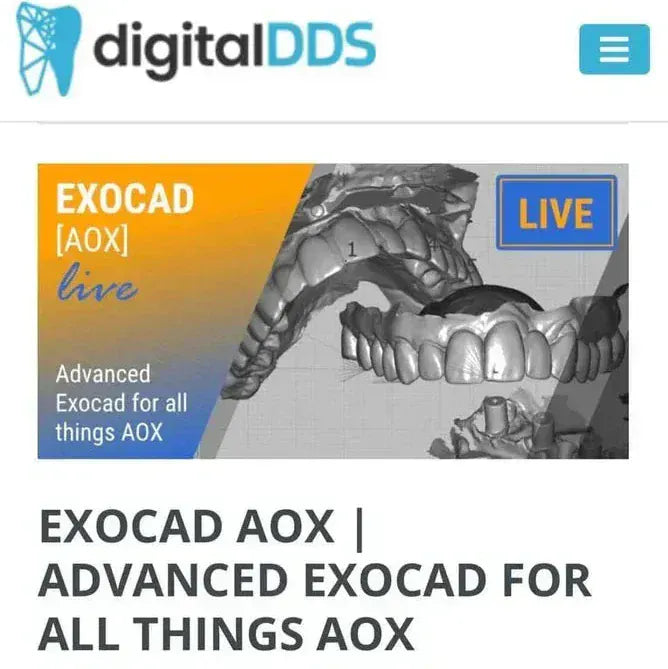
Advanced EXOCAD for all things AOX (EXOCAD AOX)
Advanced EXOCAD for all things AOX (EXOCAD AOX)
Category: Prosthodontics
Instructor(s): Nate Farley, Brandon Howell
Course structure: Lessons: 16 lessons | Duration: 10 h 50 min
Course overview
This course aims to expose you to multiple AOX workflows.
We'll start with an easy case, but will quickly find ourselves in the weeds of full arch EXOCAD!
We know the learning curve is steep enough just to understand EXOCAD, but it's a firehose of information getting proficient in all of the various methods currently on the market for AOX.
This course aims to get you going on the journey with a multitude of tools for success.
This is an advanced course!
Please be sure you have used EXOCAD already and it would be best if you've at least designed some AOX arches.
Course Objectives:
- Understand the basics behind AOX design in EXOCAD
- Transition from traditional AOX design into FP1 (crown and bridge) designs
- Learn to maneuver the world of photogrammetry and grammetry, both at surgery and going into finals
- Preparing the files for surgery, where you will be able to design 90% of the prosthesis before surgery...and what to do right after surgery
- Use Blender to take a monolithic design and turn it into a bar and sleeve design
Curriculum
Lesson 1. Welcome
Lesson 2. Design Concepts and Libraries
Lesson 3. Standard AOX Design
Lesson 4. More Challenging AOX Design
Lesson 5. How FP1s Differ Clinically and in the Design
Lesson 6. FP1 Design
Lesson 7. Copy Design
Lesson 8. Blender iBar Bar_Sleeve
Lesson 9. PhotogrammetryGrammetry_MUA Direct Screws
Lesson 10. Predesign the design before surgery
Lesson 11. Immediate Design OptiSplint
Lesson 12. Immediate Design MicronMapper
Lesson 13. Final Design TupelGrammee
Lesson 14. Final Design iMetric
Lesson 15. Final Design iMetric XML Method
Lesson 16. More About Us. What We Can Do For You
Couldn't load pickup availability