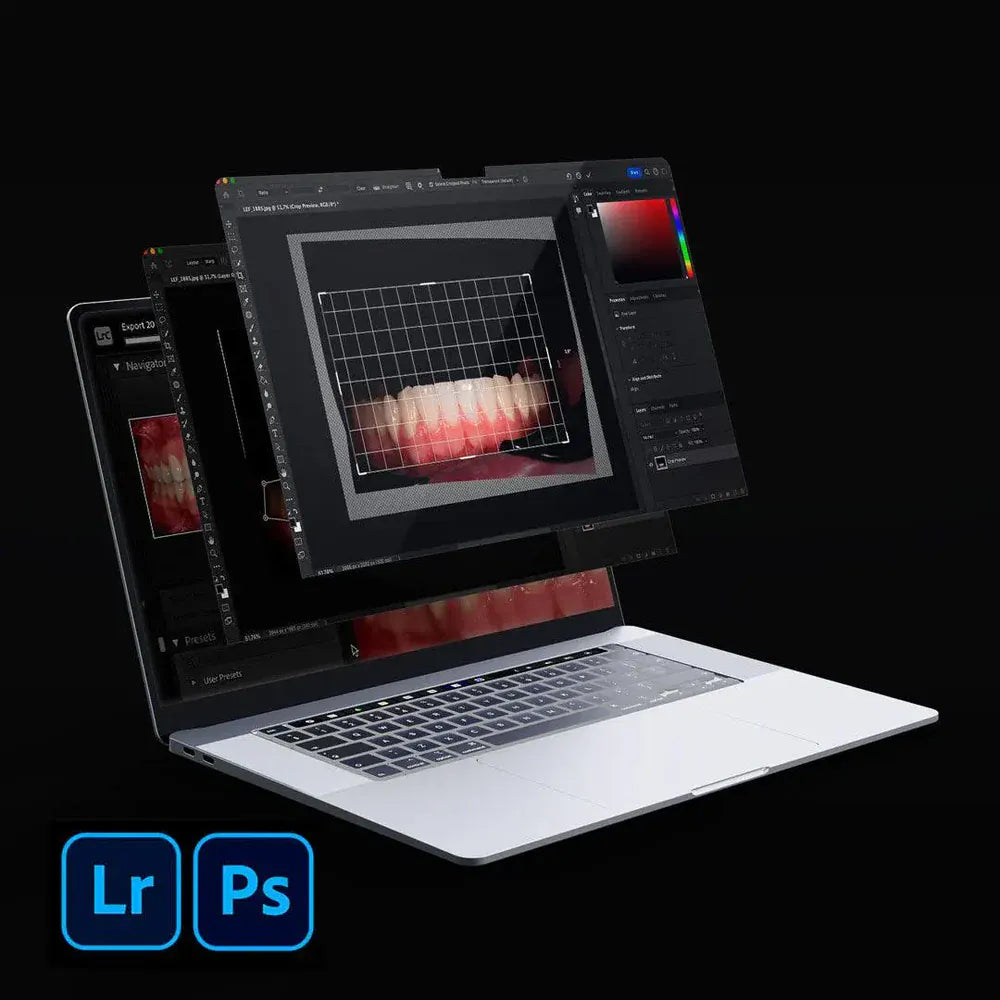
Secrets of editing dental photos in Photoshop and Lightroom
Secrets of editing dental photos in Photoshop and Lightroom
Master the art of editing dental photography using Lightroom, Photoshop.
This practical course reveals how to enhance your workflow, improve aesthetics, and deliver professional-level results — all tailored for dentists and dental professionals.
What You'll Learn
In Adobe Lightroom:
• How to import and organize dental photos
• Correct orientation and sort by rating
• Adjust white balance for natural results
• Crop, align, and straighten smiles
• Clean up blemishes using the Healing tool
• Add contrast with black contrastor
• Align multiple shots using the Reference view
• Create clean white or black backgrounds using AI-powered Masking
• Export final photos for web, print, or presentations

In Adobe Photoshop:
• Make quick edits to smooth skin and remove distractions
• Apply transparent backgrounds for marketing materials
• Carry over makeup naturally and precisely
• Export photos in various resolutions and sizes
• Correct perspective and improve proportions
• Create Depth of Field Maps for advanced presentations
• Upscale images without losing quality
Couldn't load pickup availability